On your KENJTEC website
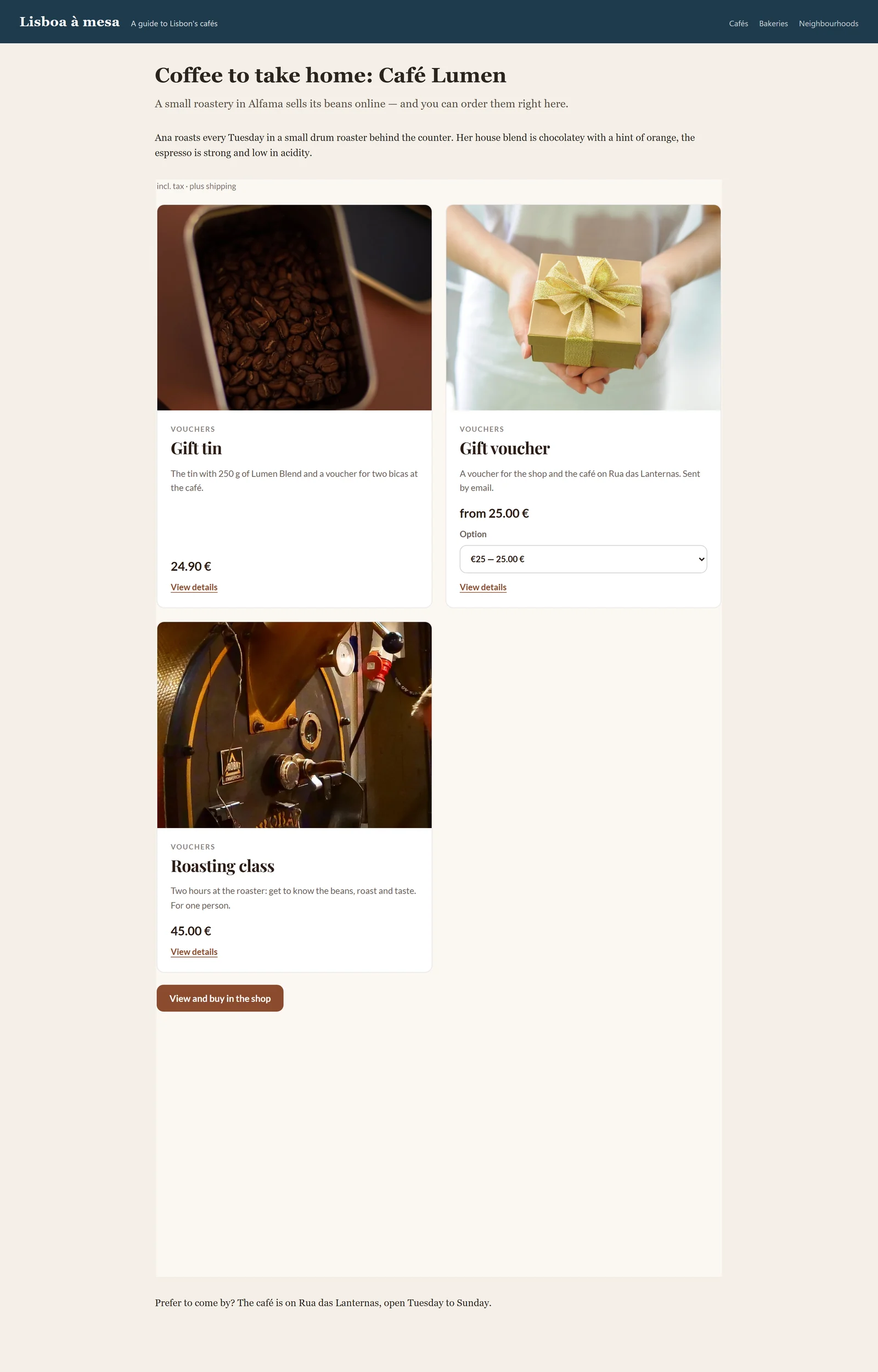
A website from WebSiteBuilder ai takes your shop as a section of its own — the whole range or just a button. How that works is described under Putting your shop into the page. For WordPress there is the block “KENJTEC Shop” in WordPressBuilder ai.
Either way, the range on the website is a shop window. Buying happens in your shop.
On another website: the snippet
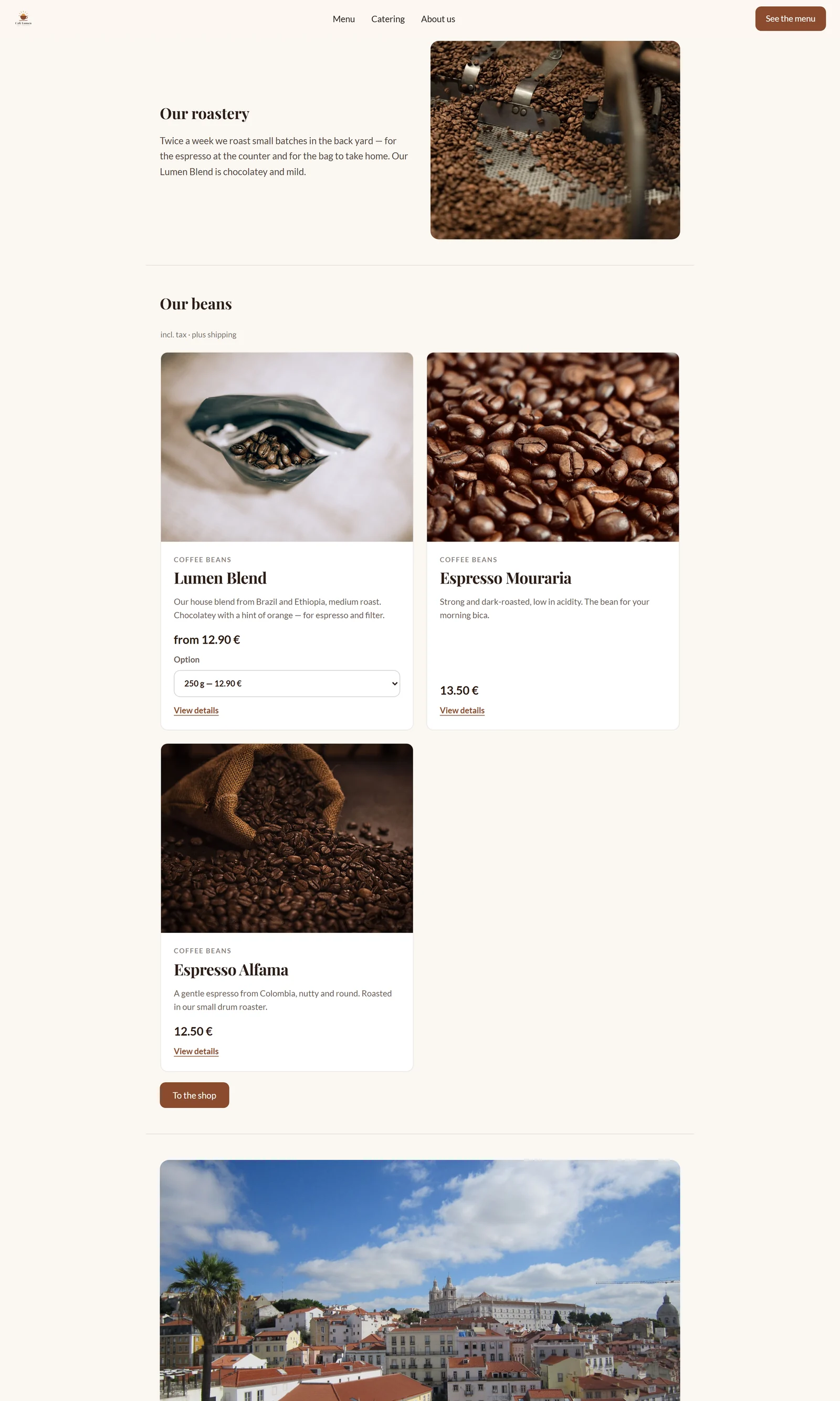
Under “Embed” you get a snippet that puts your range onto any website — including one that is not hosted with us. There are two kinds. “Recommended” is one line of script; it adjusts the frame's height to your range. “Without script” is a fixed frame for site builders that forbid third-party scripts — a second scrollbar may appear there.
The snippet carries your shop's address. If you change it, such as the path, fetch a new snippet. “View shop” opens your shop for comparison.
- Open “Embed”.
- Choose “Recommended” or “Without script”.
- Click “Copy snippet” and paste it into your website.
Nobody buys inside the frame
The embedded range has no cart and no checkout. Every click on a product and the button to the shop take the visitor to your shop's address. That is deliberate: whoever enters their card should see which address they are doing it at, and order number, confirmation email and order page belong to that address.
The frame shows the range in your shop's colours, with search and categories, without header and footer.
Showing only part of the range
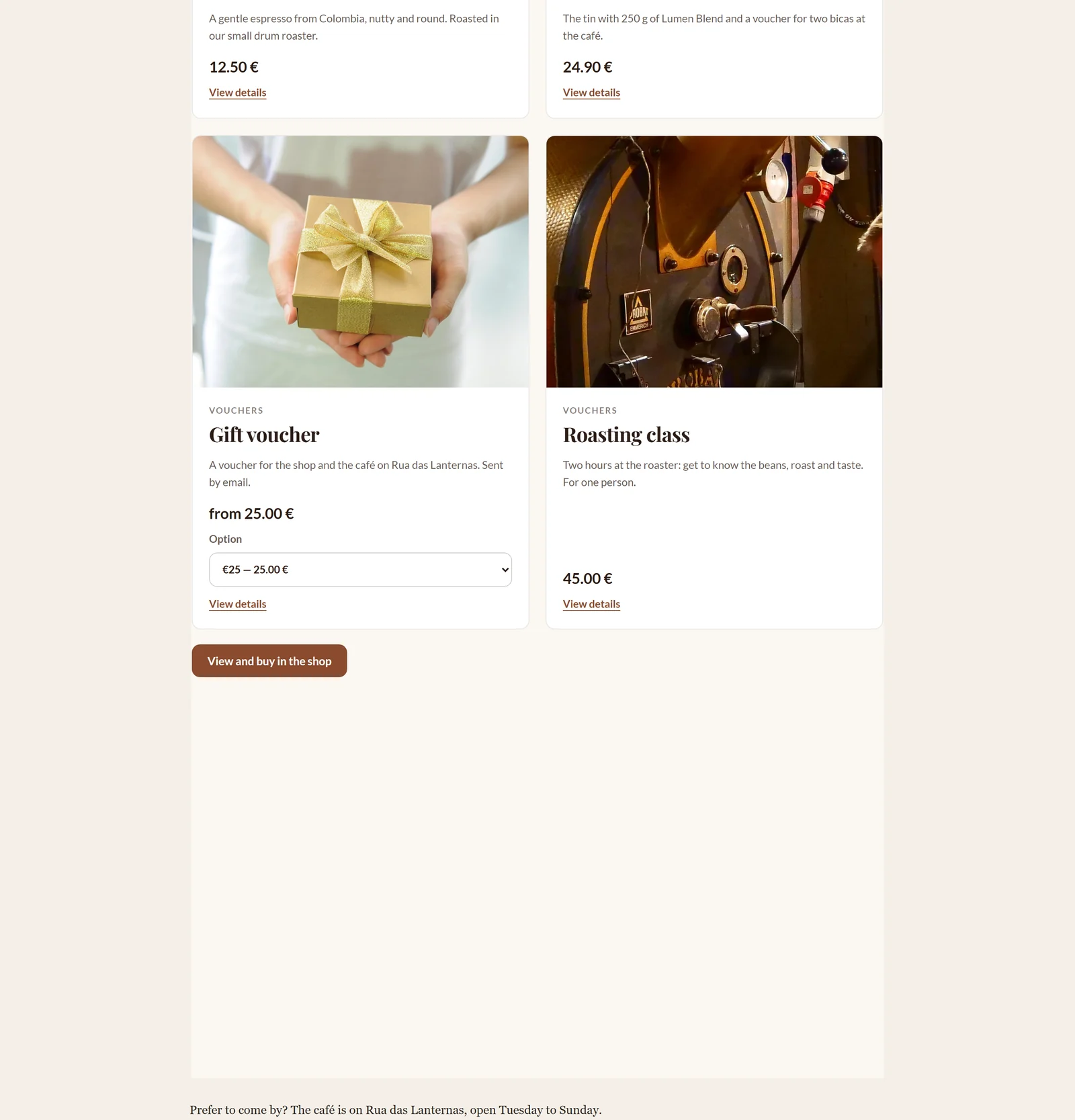
The recommended snippet understands a few additions that you write into the line by hand. With data-auswahl="kategorie" and data-kategorie="Vouchers" the frame shows only that category, spelt as on the product. data-anzahl="6" shows at most six products. data-sortierung orders them: "name" by name, "preis_auf" and "preis_ab" by price ascending or descending, "neu" newest first. data-suche="0" and data-kategorien="0" hide the search field and the category buttons.
You pick individual products with data-auswahl="produkte" and data-produkte="12,7,31", at most 24; the numbers are in the table from the analysis, sheet “Produkte”, column “Nummer”. The WordPress block “KENJTEC Shop” makes the choice easier. If nothing is left in a selection, the frame says so in a sentence.