Who is behind the shop
The footer of every page of your shop shows the company name and address. Both come from your BrandStudio; under “Settings” → “Business details” you can enter your own for this shop. Empty fields show as a placeholder what comes from BrandStudio — whatever you type applies to this shop only.
A shop can only be switched to active once BrandStudio holds a company or operator, an address and an email address or phone number — see Draft, active, paused.
- Open “Settings” → “Business details”.
- Leave the fields empty to use the details from BrandStudio, or enter your own.
- Click “Save”.
Legal notice, privacy policy, terms
Under “Settings” → “Legal texts” you enter the “Legal Notice”, “Privacy” and “Terms”. Every text you fill in becomes a page of its own in your shop, linked in the footer; an empty field is not a page and gets no link. Blank lines separate paragraphs.
The legal notice comes from your BrandStudio as long as you leave the field empty. You write the privacy policy and terms yourself — the brand does not hold them.
Enter what your country requires. The shop adds nothing on its own and does not check any content.
- Open “Settings” → “Legal texts”.
- Enter your texts.
- Click “Save”.
What the shop shows by itself
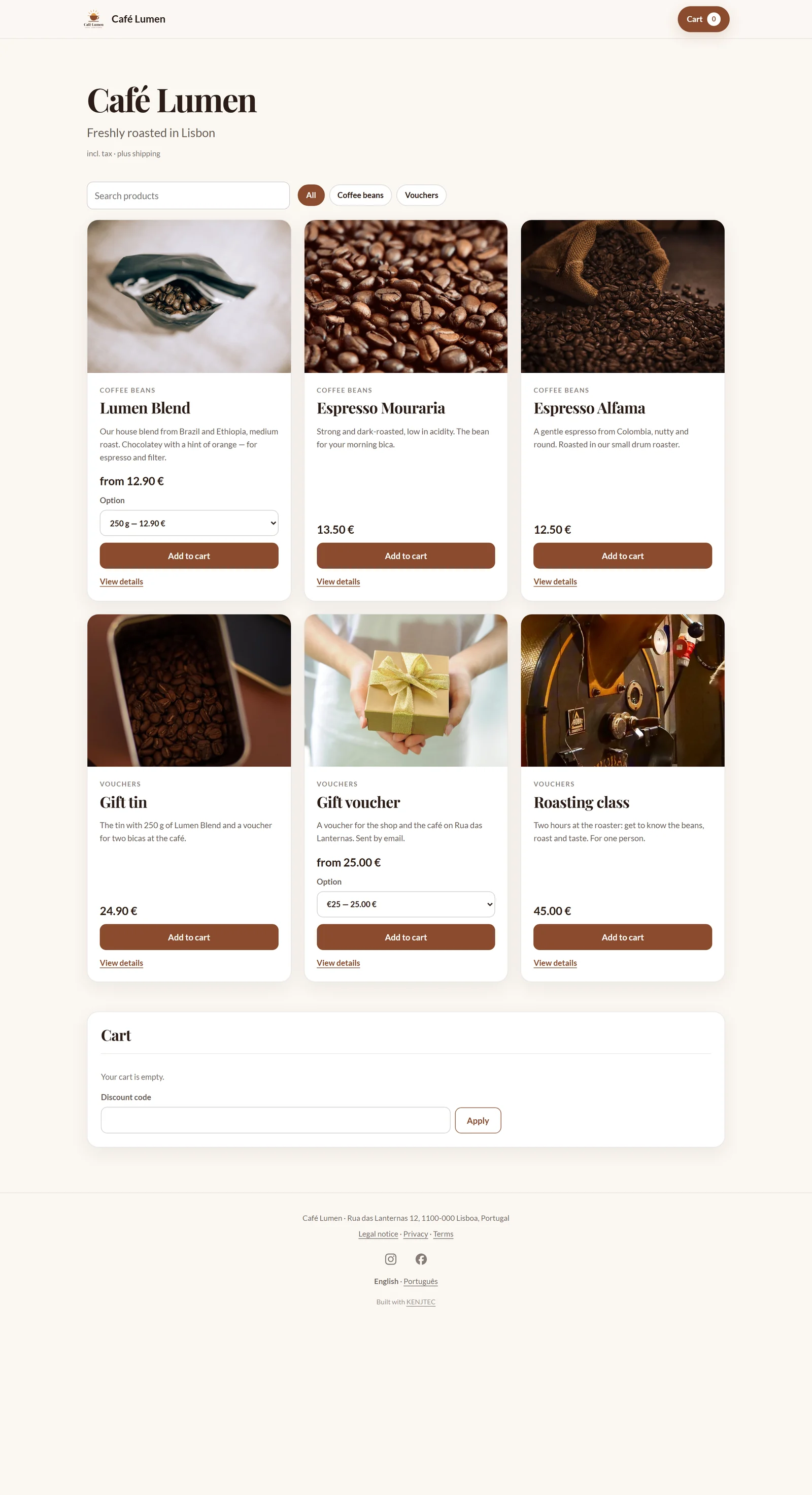
Above the range and on every product page it says whether prices include tax — “incl. tax” or “plus tax” — and, once there are shipping methods, “plus shipping”. Before paying, the buyer sees the binding total with tax and shipping, and every order carries a consecutive number.
Legal texts and order pages are kept out of search engines. At the very bottom there is a quiet line “Built with KENJTEC”.
Whether that is enough for your country is your decision. This page describes what the shop does and is no substitute for advice.