
Files
Create folders, bring back earlier versions and restore deleted items from the trash. With a link, you can share a file even with people who have no account.
KENJTEC BusinessCloud ai is the office in your browser for self-employed people and small teams worldwide: files, calendar, contacts, tasks and office documents in one place, plus customer records, projects and expenses. You write invoices with Invoice in the same office. You sign in with your KENJTEC account, and Kenji, KENJTEC’s AI, helps you write.
Every issued invoice is a ZUGFeRD invoice: a PDF/A-3 with the validated EN 16931 e-invoice inside. You also get the XML file on its own.
Every invoice is also available as an XRechnung for German public authorities and as a Peppol file (UBL). You send it into the Peppol network through an access point of your choice.
More about e-invoicesWith Collabora Office, you write documents, edit spreadsheets and create presentations directly in your BusinessCloud — without installing an office suite. Your work stays in your cloud files, alongside your calendar, contacts and tasks.
Learn moreSee how it works
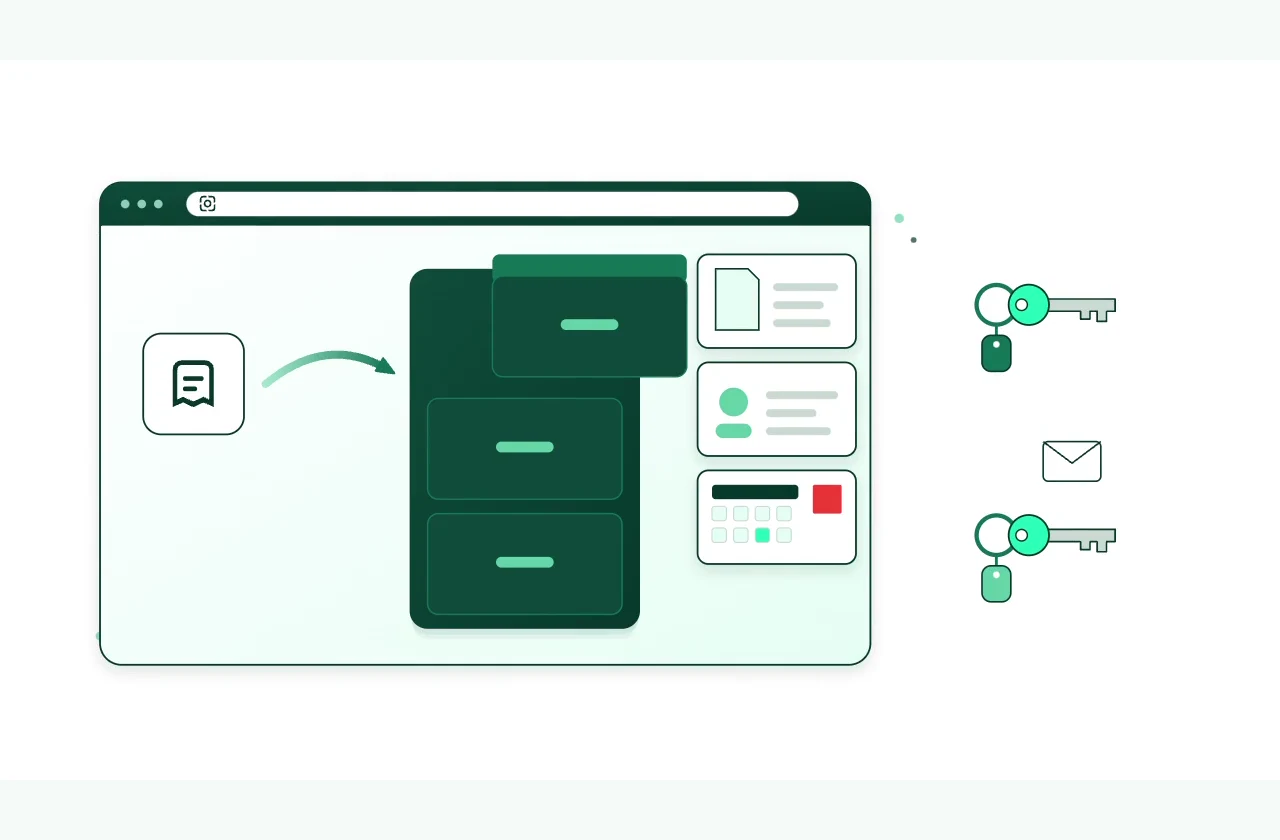
Office in your browser, no installation
Your files, appointments and invoices share one workspace. Kenji helps you write. You use your KENJTEC account.
Download the brochure as a PDFBusinessCloud is ready to use – no installation of your own required.
One workday. One connected flow
From the first file to the final invoice, the work stays connected
Import customers from your address book into Invoice. When you issue an invoice, Invoice saves the PDF to your files and adds the payment due date to your calendar with a reminder.
A quote, draft or contract sits in your files instead of scattered across laptop and phone.
The next step is in your calendar — Invoice adds an invoice’s payment deadline by itself.
On the task board you arrange your tasks in columns and cards and see what’s next.
Select the customer from your address book. When you issue the document, Invoice saves a copy to your files.
Ready to use today
Everything for your working day
These features are available in BusinessCloud.
Create folders, bring back earlier versions and restore deleted items from the trash. With a link, you can share a file even with people who have no account.
Plan appointments and see when an invoice is due: Invoice adds the payment deadline with a reminder.
Customers, suppliers and all your other contacts in one address book. Customers you add in Invoice are added automatically.
Columns and cards for everything that needs doing — from the first draft to the finished task.
You create documents, spreadsheets and presentations via “New” and edit them right in the browser — without an office program of your own.
Write quotes and invoices in Invoice. Paid orders from your WordPress shop automatically become invoices there.
A record for every customer: notes from conversations, follow-ups in your calendar, and the quotes and invoices from Invoice.
Task board, files, appointments, documents and expenses for a job in one project record — linked, never copied.
You record supplier invoices and receipts with the document attached; totals are shown per currency.
A handbook for your company, made of pages and subpages — for your team only.
Suppliers, stocktaking or enquiries: you keep them together in shared lists with rows and columns.
Vote together on the date of the team meeting or a question for everyone — just among yourselves.
For you and your team
Bring your team into your office
You invite your team by email in your dashboard. With their own KENJTEC account, they work with the same customers, projects and documents — and in BusinessCloud you share a folder with your company’s name.
Connected, not scattered
Your brand provides the letterhead. Through MediaStudio, you make Cloud images available for your website, shop and posts. Kenji uses the same AI credit as your other tools.
The storage location is fixed; there is nothing for you to set up.
The infrastructure operator classifies the cloud region used in Belgium as low-carbon. Source: Google Cloud
Your browser connects to Google, and Google receives your IP address. Privacy
No. BusinessCloud runs in the browser — there’s nothing for you to install or maintain.
Files, photos, calendar, contacts, a task board, documents, spreadsheets and presentations in the browser, plus invoices and quotes with Invoice. On top of that come customer records with notes and follow-ups, projects, expenses with their documents, and for the whole company a handbook, shared lists and polls.
No. BusinessCloud uses your KENJTEC sign-in: if you’re signed in on kenjtec.com, you get in without entering anything again.
Yes, with their own KENJTEC account. You invite them in the dashboard under “Company and team”; seats and storage come with your plan, and one of the seats is yours. BusinessCloud then has a shared folder with your company’s name — whatever anyone puts in it, everyone in the company sees. Outside the company, you share files by link; whoever gets it doesn’t need an account.
Yes, via a link: you share a file or folder in the file view and send the link on yourself. Whoever gets it doesn’t need a KENJTEC account.
You cancel with one click in the dashboard and keep using BusinessCloud until the end of the paid term. You download invoices and quotes as an archive with PDFs and spreadsheets.
Yes. Every issued invoice is a ZUGFeRD invoice, known as Factur-X in France: a PDF/A-3 with the EN 16931 e-invoice inside, which Invoice checks against the official rules first. It is also available as an XRechnung for German public authorities and as a Peppol file (UBL). You send it into the Peppol network through an access point of your choice.
No. With Invoice you write quotes and invoices, and under Expenses you record receipts with amount and category. BusinessCloud does not do accounting, tax returns or bank reconciliation.
No. Meetings, chat and video conferencing are not included in BusinessCloud, and neither are email mailboxes. In DomainStudio you connect your domain to the email service you already use.
The trash and earlier versions bring back deleted and overwritten files. There is no copy of your files with a second provider.
Your business. Your platform.
Website, brand, content and office belong to one platform. Choose the plan with room for your projects.
One account connects your tools. AI uses your shared AI credit.
Turn many storage places into one place to work
Open BusinessCloud and bring your files, appointments, tasks and invoices together.
Google Analytics helps us improve the website. Google receives usage and device data; this may be processed in the USA.
Optional. Your choice lasts 180 days and can be changed at any time in the cookie settings.
Privacy policy