
Content
Edit and publish pages and posts
KENJTEC WordPressBuilder ai is WordPress without the technical layer underneath, for self-employed people, agencies and small businesses worldwide. Kenji, KENJTEC’s AI, drafts your site from one sentence, or you start empty. You maintain it in the cockpit with buttons instead of commands, with a working copy and backup before every update, and can always open your full WordPress.
See how it works
Draft your WordPress site from one sentence
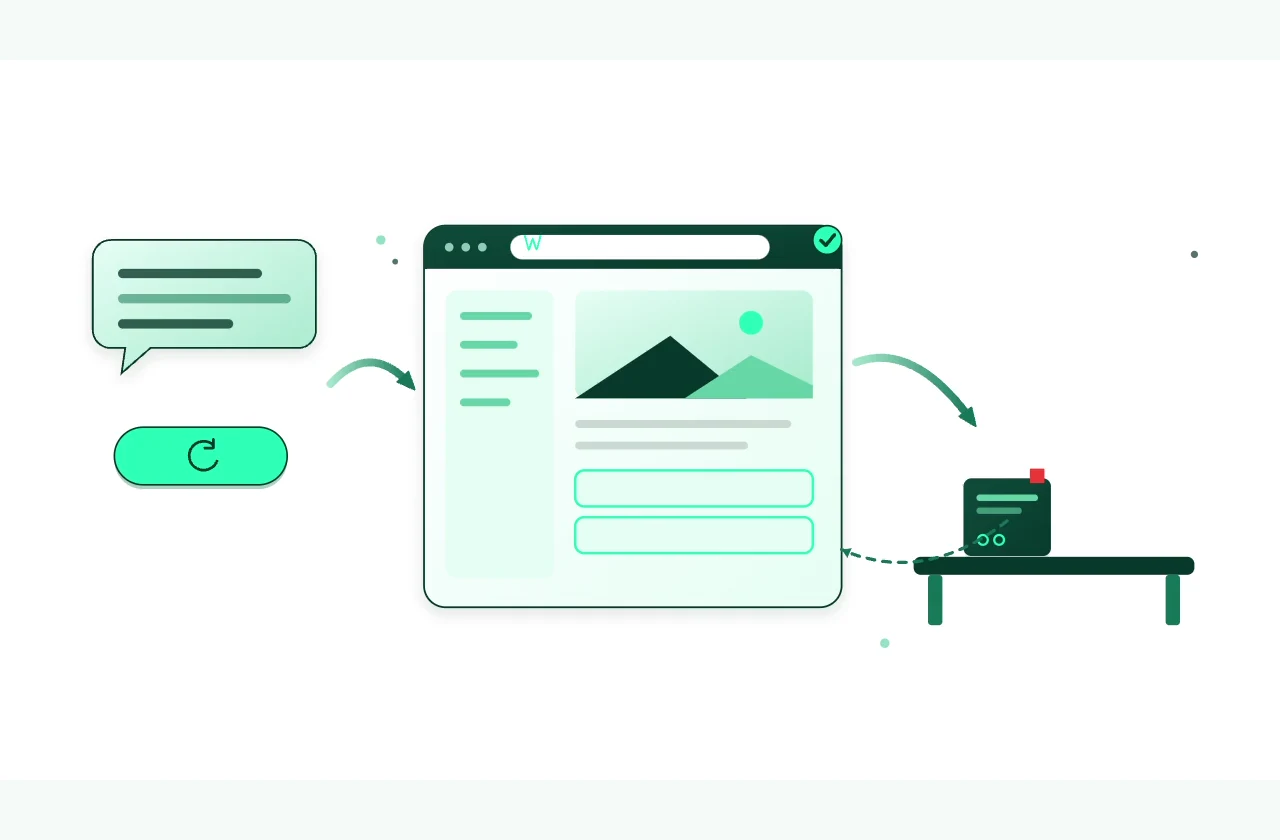
One sentence is enough: the AI drafts your WordPress with pages, copy and menu — or you start empty. After that you run it with buttons instead of commands and update everything with one click. If something breaks, the cockpit brings back the previous state.
For your account you add a card; nothing is charged. You book your plan in the dashboard and cancel it there with one click.
Create your digital Identity!
Describe it or do it yourself
Kenji knows the site you’re working on
Describe a change to Kenji, KENJTEC’s AI, in everyday language — Kenji plans it from the same actions you could click yourself. You see the plan, and your site only changes after your yes.
You describe the change
Tell Kenji in everyday language what your site needs.
Kenjikenjtec ai
The plan becomes visible
First Kenji looks around your site, read-only — nothing is changed yet.
You review and decide
You confirm once, and exactly what was shown is carried out.
One site, one workspace
Everything important stays together
Switch between content, your shop, backups, images and files without losing sight of your site.
Edit and publish pages and posts
Handle products, orders, shipping, taxes and coupons in the cockpit
Create restore points and roll back to them
Files, source code and history stay accessible
Make changes without experimenting on your live site
First in the working copy. Then on your site
Create a working copy for each site — it takes no extra space in your plan and no AI credit. There you test changes with the same tools as on the live site before you apply them.
Apply the files for your designs, extensions and images. Content, settings and activations on the live site remain unchanged.
The working copy completely replaces the live site's files and stored data. More recent changes on the live site will be overwritten.
A full backup of the live site is made before every transfer. If the backup fails, nothing is applied.
An earlier version stays within reach
Back up. Update. Restore
You create a restore point with one click; before updates, before applying the working copy and before major steps, the cockpit creates one itself. If you restore an earlier state, it backs up your current one first.
One click updates WordPress, all plugins and all themes. Before that, the cockpit backs up the whole site. If the homepage or the login stops responding afterwards, it restores the backed-up state.
Sell and design
Your shop is connected to your platform
Set up your WooCommerce shop in the cockpit if you wish. Paid orders become invoices in Invoice. Add forms from FormBuilder and your product range from ShopBuilder as blocks; import images from MediaStudio into the media library.
Import images from MediaStudio ai into the media library
When you want to go deeper
Edit files right in the browser. If the site no longer loads afterwards, the cockpit reverts the change by itself. Every file has a history with comparison, and for your own tools you issue file access with an expiry date.
Open administration from the cockpit with a short-lived, single-use login. You don't need to keep a second password.
Your business. Your platform.
Website, brand, content and office belong to one platform. Choose the plan with room for your projects.
One account connects your tools. AI uses your shared AI credit.
Yes. You can create a working copy for each site and review changes there. When applying them, choose between files and the complete version.
Through the list of your restore points. You create your own with one click; before updates and major steps the cockpit creates one itself. To restore, you type in the site name, and your current state is backed up first. States that the cockpit creates are cleared out after seven days.
No. You start the update with one click, and Kenji only updates when you ask and after you confirm. Every night, your site is checked to see whether it responds — nothing is updated in the process.
Yes. The cockpit opens it with a short-lived, single-use login, so you don't need to keep a second password.
No. There is no machine of your own, no SSH, no root access and no fixed IP address. You edit files in the browser, and for your own tools you issue file access with an expiry date.
Yes. You upload a backup from your previous provider — up to 20 MB, with the content folder and one database export — and give the old address. The cockpit first makes a backup, imports everything, rewrites the addresses and checks whether the site responds. Your old provider’s login details are never requested.
Yes. Every night, the homepage and login are checked to see whether they respond. If the site goes down, you get an email — and another one when it’s back. The check reports; it doesn’t repair anything.
If you want: a tick when you create it, or a button in the console, applies colours, font, logo and name from BrandStudio to your site. When you change the brand, the site follows, and the order emails of a WooCommerce shop carry the header image, colours and your sender name.
No. You set up payment methods in the shop with your own account at the payment provider. You manage variants, product images and categories in WordPress administration.
You create an account, add a card that is not charged, and book a plan in the dashboard — WordPress is included. In the cockpit the AI drafts your site from one sentence, or you start with an empty WordPress. A site only goes online once BrandStudio has a company, an address and an email or phone number.
WebSiteBuilder ai is a ready-made website with no technical layer underneath, which you edit right on the page. If you need plugins, a blog or a WooCommerce shop, WordPressBuilder ai is the right route: full WordPress, maintained through a cockpit.
Your WordPress. Your workspace. Your decision
Create your account, add a card that is not charged, and book your plan in the dashboard when you’re ready.
Create your digital Identity!
Google Analytics helps us improve the website. Google receives usage and device data; this may be processed in the USA.
Optional. Your choice lasts 180 days and can be changed at any time in the cookie settings.
Privacy policy