
Where the money goes
Your shop does not take money through KENJTEC. You connect your own Stripe account, and every payment from your buyers goes straight there. KENJTEC does not receive your sales proceeds and stores only your account's identifier — no bank details, no login details.
One payment account serves all the shops in your account. The setup itself — your details, your bank account, the verification — you do at Stripe, and payouts come from there too.
Connecting your Stripe account
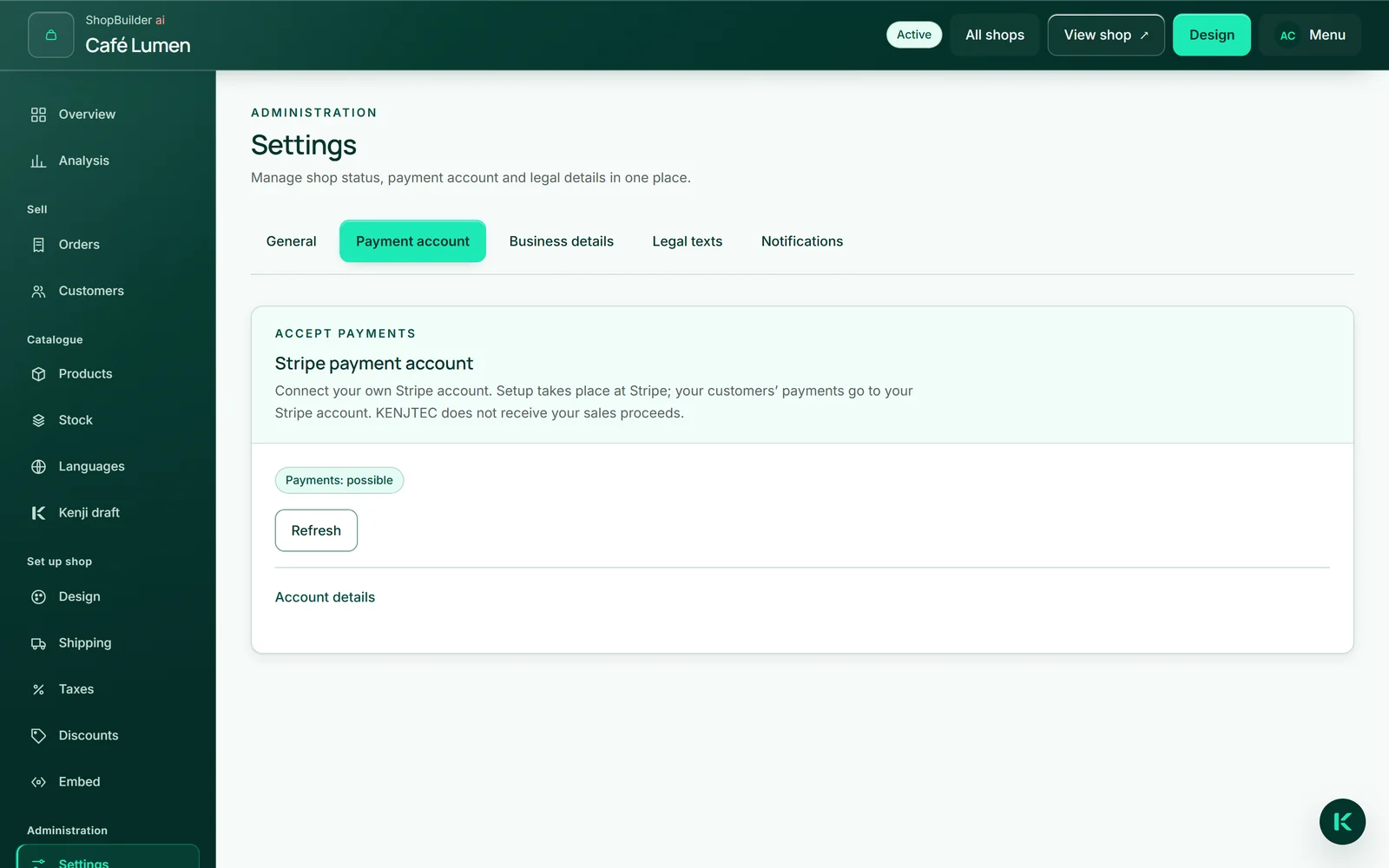
Under “Settings” → “Payment account”, click “Connect Stripe account”. You are taken to Stripe, enter your details there and then return to the page “Connect your payment account”, which reads the status straight away. “To your shops” takes you back to your shops.
The way to Stripe is valid only briefly. If it has expired, the return page fetches a new one by itself and sends you on — for the same account, never a second one. If you interrupted the setup, “Continue setup at Stripe” picks it up again.
You also find the same payment account in the dashboard under “Payment”.
- Open “Settings” → “Payment account”.
- Click “Connect Stripe account”.
- Set up your account at Stripe.
- Back on “Connect your payment account”, check the status and click “To your shops”.
What the labels mean
The large label says whether your shop can take payments: “Payments: possible” or “Payments: not yet possible”. Under “Account details” you find the setup status — “Created, setup pending”, “Setup started, not yet complete”, “Restricted — please complete your details” or “Connected — payments possible” — plus whether payouts are possible and when the status was last read.
If the account shows “Test mode”, payments are for trial only: no real money moves, and your shop's overview does not yet count the account as ready.
Stripe reports changes to your account by itself. To see the status at once, click “Refresh”.

How a payment arrives
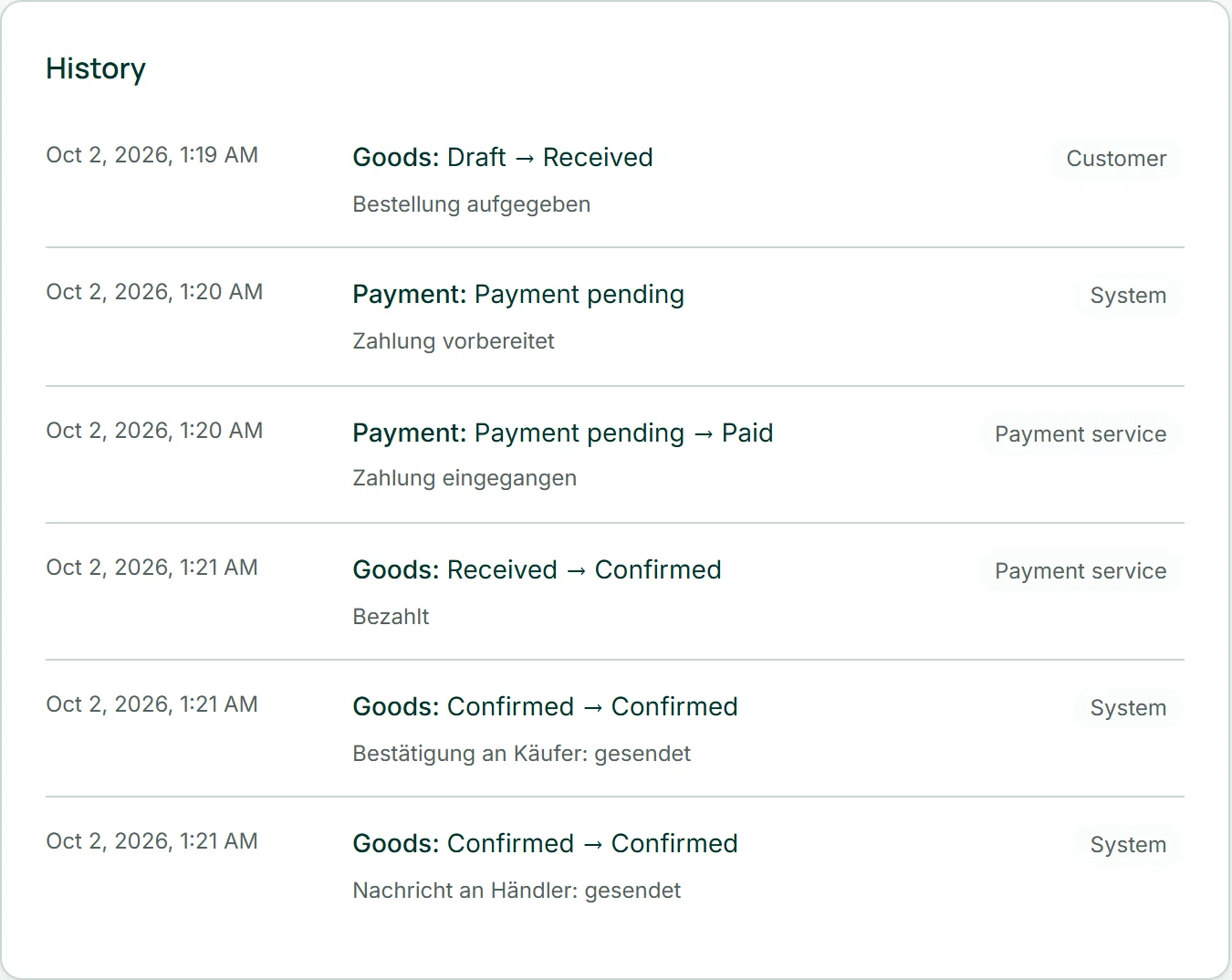
You do not mark an order as paid yourself — Stripe reports it. As soon as the payment has arrived, the order shows “Paid” and “Confirmed”, and the confirmation to your buyer and the notification to you go out.
Failed payments, refunds and a buyer's dispute with their bank arrive the same way: the payment changes to “Payment failed”, “Refunded” or “Payment disputed”, and back to “Paid” after a dispute is won. Every report appears in the order's history with the payment service as the sender. A report that arrives twice or late leaves a line and changes nothing.
Disconnecting the payment account
“Account details” contains “Disconnect”. After that your shops no longer accept orders. Nothing is deleted at Stripe: your account remains, and KENJTEC merely stops acting on your behalf. If you connect again later, it is the same account.
You can refund through the workbench while the account is connected — even if it is restricted, because whoever took money must be able to give it back. After disconnecting, you refund directly at Stripe.

- Open “Account details” and click “Disconnect”.
- Confirm with “Yes, disconnect”.