Finding free photos and graphics
“Find images” searches two large collections of free images, Pexels and Pixabay. You type a search term — at least two characters — and choose between “Photos” and “Graphics” under “Type”. A click on a result adds it to your library.
Adding means: we download the image, check and clean it like any upload, and deliver it ourselves from then on. So your page does not depend on someone else’s service that might withdraw the image one day. The tile carries the source’s label, the name gives source and author, and the licence record is stored at the same moment.
The search is also available in the tools’ image picker. Searching and adding cost no AI credit.
- Click “Find images” at the top.
- Leave “Pexels · Pixabay” selected, type a search term and click “Search”.
- Click the result you want. After “Adding …” it sits at the front of your library.
The licence record
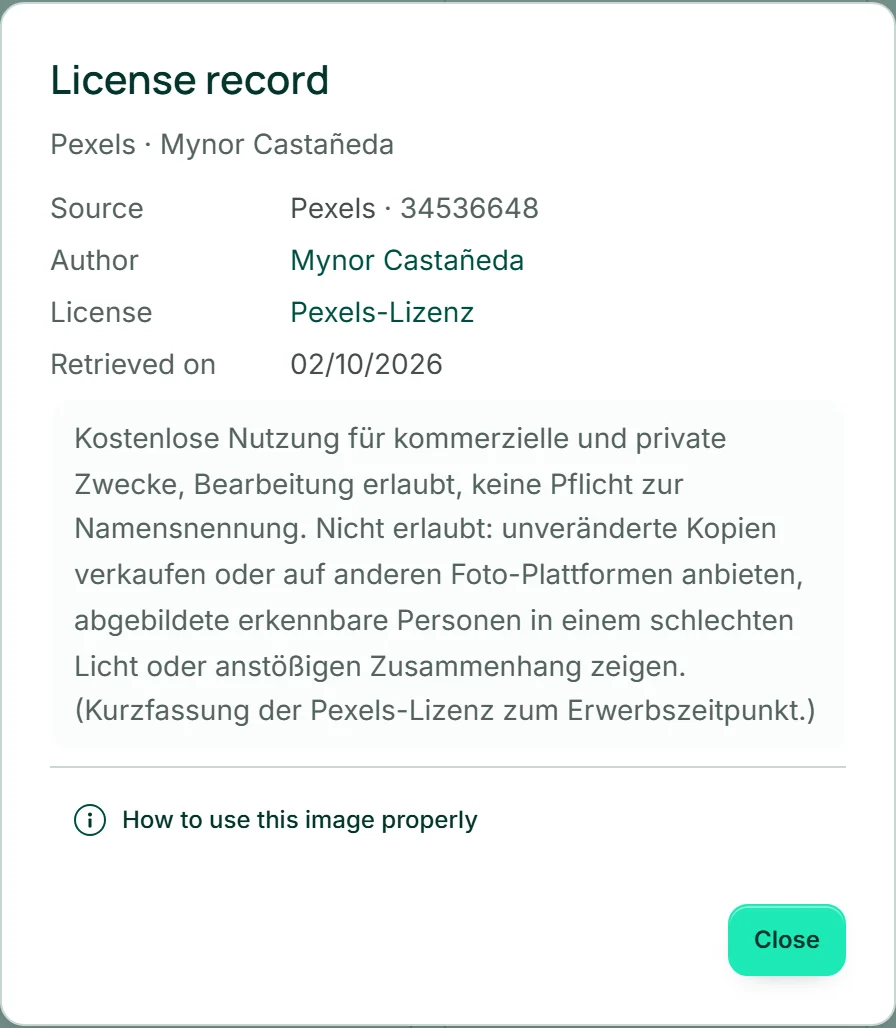
“License record” in the details shows, for added images, what was recorded when you added them: “Source”, “Author”, “License” and “Retrieved on”, plus the short version of the licence as it stood that day. If the provider later changes its terms or the image disappears there, your record stays as it was.
Both sources allow free use for business purposes and editing. What they do not allow is in the short version — selling the unchanged image on, for example.
You do not need to file the record anywhere: it stays with you in MediaStudio for good. If anyone asks where an image came from, you open this window.
Crediting the author
Crediting the author is not required by either licence, but it is customary and fair. In the “License record” window, “How to use this image properly” opens a ready-made line — such as “Photo: Name / Pexels” — which you take with “Copy”.
Where to put it: in your legal notice under “Image credits”, or as a caption right next to the image. In WordPress you enter the line on the image under “Caption”.
- Open the tile’s “Details” and click “License record”.
- Click “How to use this image properly”.
- Click “Copy” next to the line and paste it into your legal notice or a caption.
Your own, created, edited and older images
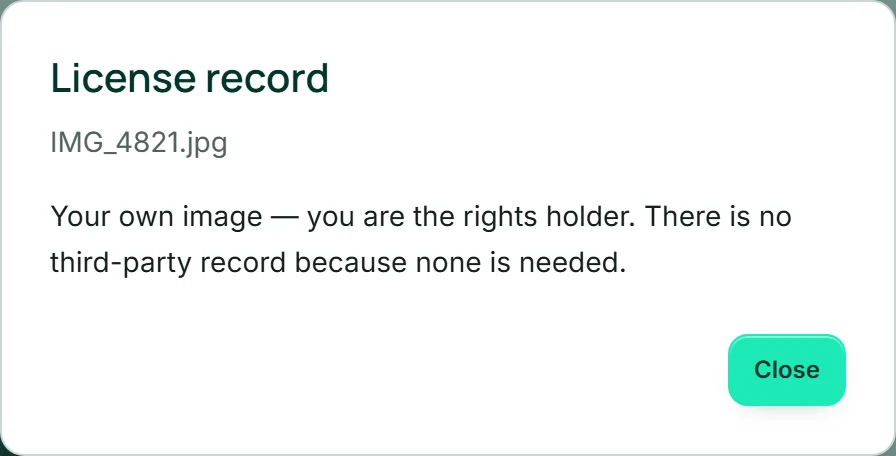
For images you uploaded yourself or took over from your BusinessCloud, the licence record says: “Your own image — you are the rights holder.” There is no third-party record there because none is needed. For images Kenji created, it says that they come from AI and names Kenji and the date.
If you edit or crop an added image, the new version gets a record of its own: the same details as the original plus a note that it is an edit. If you delete the original, the version’s record stays.
Images added before licence records existed show a reconstructed, incomplete record; a sentence above it says so. For them, the file name is the record of the author, which is why it cannot be changed.