
A portfolio for photography, art and architecture
Your images in one place, without revealing photo data.
Your images live in one place: upload them once and use them in your website, forms and social posts.
Idea and hands-on demonstration
Upload an image once: use it across your tools and deliver it worldwide.
- Upload once, use in five tools
- Five crops in one click
- Delivered worldwide at a permanent address
Schematic view of worldwide delivery. The dots are not selectable storage locations.
Editing in the editor
Read the film’s explanation
Portfolio
What you get.
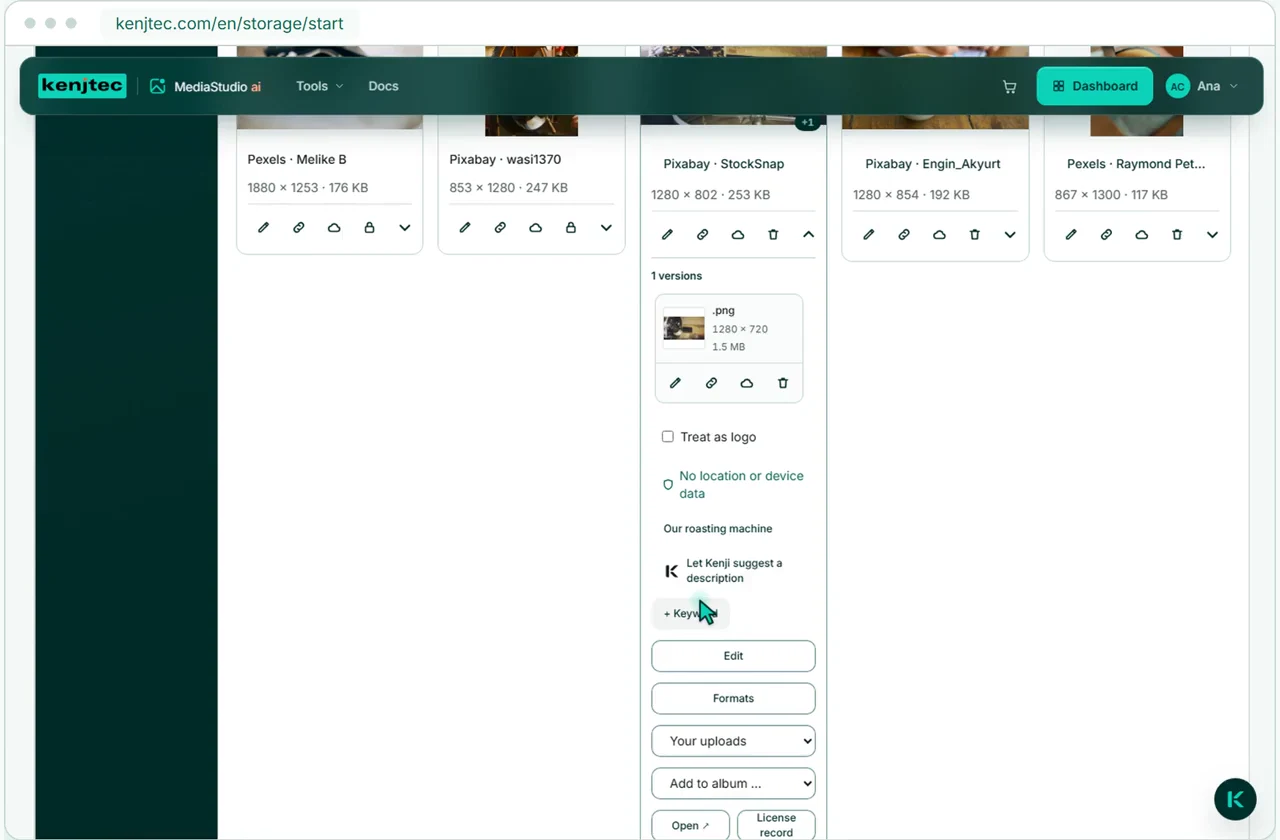
No revealing photo data
On upload, MediaStudio removes location, camera and device data without re-encoding the image.
Your images in the editor
In the editor you pick images from your own collection or from royalty-free image sources.
Crops in one click
One photo gives you the formats for a story, a post, the website header and the link preview. The original stays as it was.
A page for each series
A new menu item is a new page right away — for every series and every project.
The tools behind it.
They all live in one account: you sign in once and switch between them.
Account and plan
How to get started .
Create account
With your email address and a password.
Choose a plan
With a plan you publish, upload images and work with the AI.
Your business. Your platform.
Your tools. One KENJTEC plan.
Website, brand, content and office belong to one platform. Choose the plan with room for your projects.
One account connects your tools. AI uses your shared AI credit.
Related guides and next steps
Creating a website with AI
In WebSiteBuilder ai you describe your business in one sentence and Kenji builds the website — plus business details, style references, colours, typeface.
Adding images
Finding images in WebSiteBuilder ai, fetching them from MediaStudio, describing and removing them — and why a new image never changes the live page.
Setting up addresses and paths
In the DomainStudio ai address plan, see every address of your account, set up domains, subdomains and paths and check the sitemap — also with Kenji.
More use cases.
- Café and restaurantA website from one sentence, and the menu by QR code at the table.
- Course, workshop and eventSign-ups with limited places, shared by link or QR code.
- Club and communityMembers-only pages and sign-ups under one address.
- FreelancersYour own website with enquiries by email, and a business card with a QR code.
- Invoicing for the self-employedQuotes and invoices in your customers’ currency and language.
- E-invoices with ZUGFeRDInvoices as ZUGFeRD and Factur-X: one PDF that people read and software imports.
- Trades and repairsA website, enquiries with a guide price, and sign-off with a signature.
- Starting a businessLogo, company details, website and business card from one account.