
E-invoices with ZUGFeRD and Factur-X — one PDF for people and software
Invoices as ZUGFeRD and Factur-X: one PDF that people read and software imports.
An e-invoice is an invoice whose data software can import instead of retyping it. Invoice in your BusinessCloud turns every issued invoice into a ZUGFeRD invoice: your customer sees the familiar PDF, and their software reads the data from the file inside it.
See how it works
Your office in the browser: files, appointments, customers and invoices — with your team.
- Office in your browser, no installation
- Invoices, customers and appointments in one place
- Your team, each with their own account
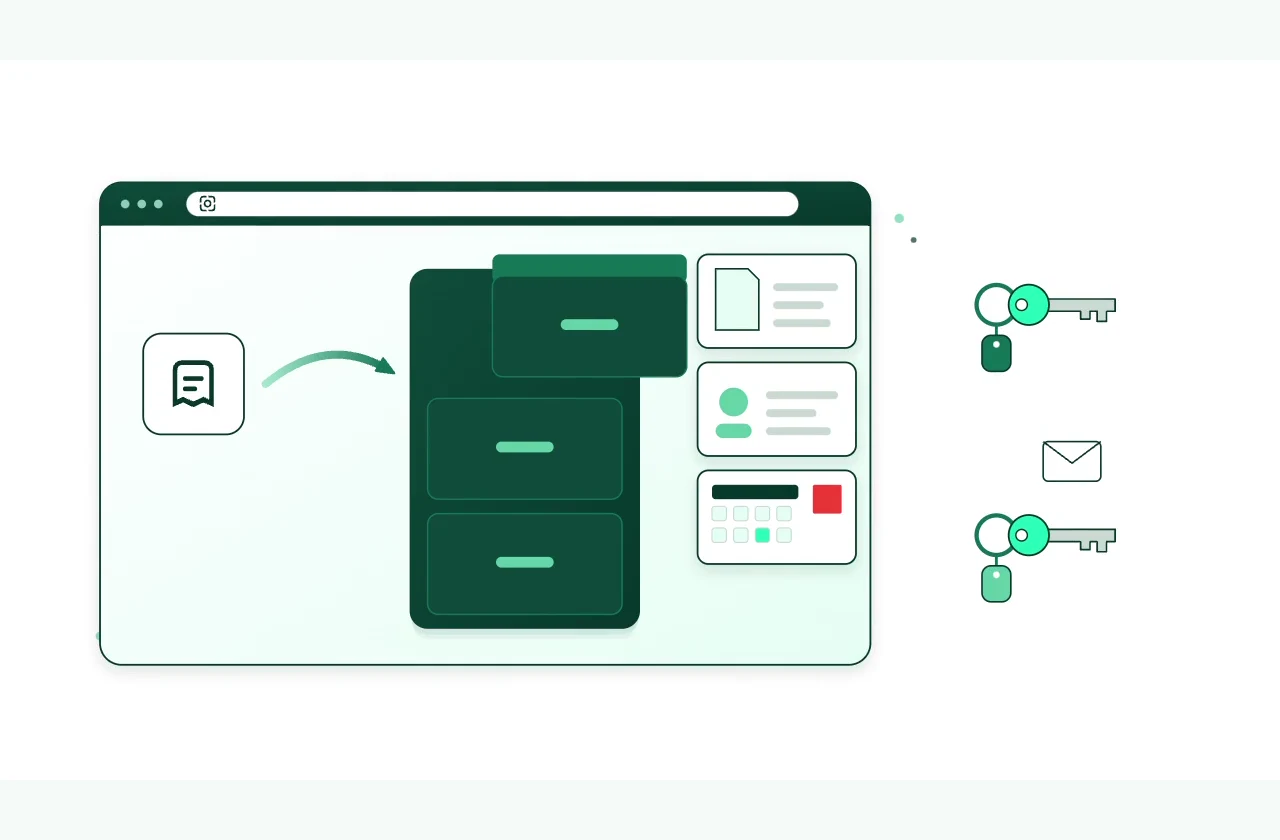
Office in your browser, no installation
Read the film’s explanation
E-invoices with ZUGFeRD
What you get.
One PDF, two readers
The PDF/A-3 carries the e-invoice inside as the file “factur-x.xml”. Whoever opens the invoice reads the page; your customer’s software reads the data.
Checked to EN 16931
When you issue an invoice, Invoice checks the e-invoice against the official rules of the European standard. If a detail such as your customer’s address is missing, Invoice tells you what in a single sentence.
Sent with both
By email, the ZUGFeRD PDF and the XML file go out together. You record payments and send a friendly reminder about what is still open.
For customers across Europe
As an XRechnung for German public authorities, as a UBL file for the Peppol network — and the document itself in twelve languages and 55 currencies.
The tools behind it.
They all live in one account: you sign in once and switch between them.
Account and plan
How to get started .
Create account
With your email address and a password.
Choose a plan
With a plan you publish, upload images and work with the AI.
Your business. Your platform.
Your tools. One KENJTEC plan.
Website, brand, content and office belong to one platform. Choose the plan with room for your projects.
One account connects your tools. AI uses your shared AI credit.
Related guides and next steps
PDF, sending and e-invoice
Open documents from Invoice as PDFs, send them by email, check the outbox and download the e-invoice (EN 16931) — with a QR code on euro invoices.
Issuing and cancelling invoices
What happens when you issue a document in Invoice, how the numbering counts, and how to reopen, cancel or delete an invoice.
Writing a quote or an invoice
How to write a quote or an invoice in Invoice: customer, items, discount, currency, language and tax, with the PDF itself as the preview alongside.
More use cases.
- Café and restaurantA website from one sentence, and the menu by QR code at the table.
- Course, workshop and eventSign-ups with limited places, shared by link or QR code.
- Club and communityMembers-only pages and sign-ups under one address.
- FreelancersYour own website with enquiries by email, and a business card with a QR code.
- Invoicing for the self-employedQuotes and invoices in your customers’ currency and language.
- Trades and repairsA website, enquiries with a guide price, and sign-off with a signature.
- PortfolioYour images in one place, without revealing photo data.
- Starting a businessLogo, company details, website and business card from one account.